TombaTomba
Start free
  • Documentation
  • API reference
  • SDKs & CLI
  • AI & MCP
  • Integrations
  • Enterprise
  • Migration guides

Find, verify and enrich B2B contacts from public sources, in the app, your spreadsheet or through the API.

GDPR & CCPA

// docs

  • API changelog
  • Support options
  • Security

// platform

  • Dashboard
  • Pricing
  • API status

// resources

  • Help center
  • Product updates
  • TombaBot crawler

// company

  • Website
  • Contact us
  • Edit or remove your data

© 2021–2026 Tomba.io

  • Terms of service
  • Privacy policy
  • Cookie policy
  • Security policy
  • GDPR
  • CCPA
SDKs
CLI
    InstallationAuthenticationCLI commandsBulk CSV processingLocal HTTP serverAI chatSkillsSlack slash commands
CLI

Skills

A skill runs several Tomba lookups as one command and passes results from one step to the next, for example finding an address and then verifying it. The CLI includes eight skills, and you can add your own as YAML files.

The CLI's output calls this feature ClawHub. CLI skills are local files that the CLI runs itself; they're separate from the Tomba skill published on ClawHub for AI agents.

Built-in skills

SkillStepsInputs
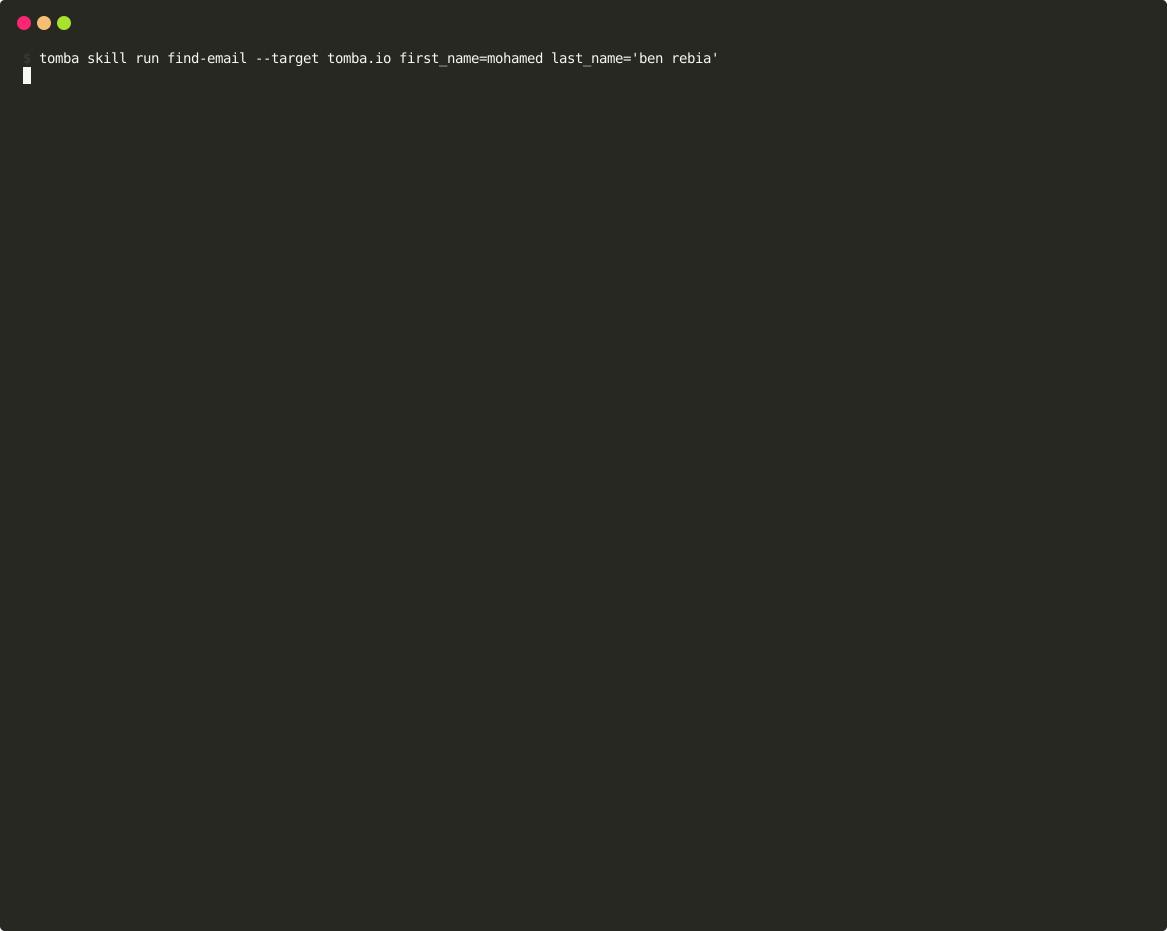
find-emailfinder, verifydomain, first_name, last_name
company-emailscount, searchdomain
enrich-verifyenrich, verify, sourcesemail
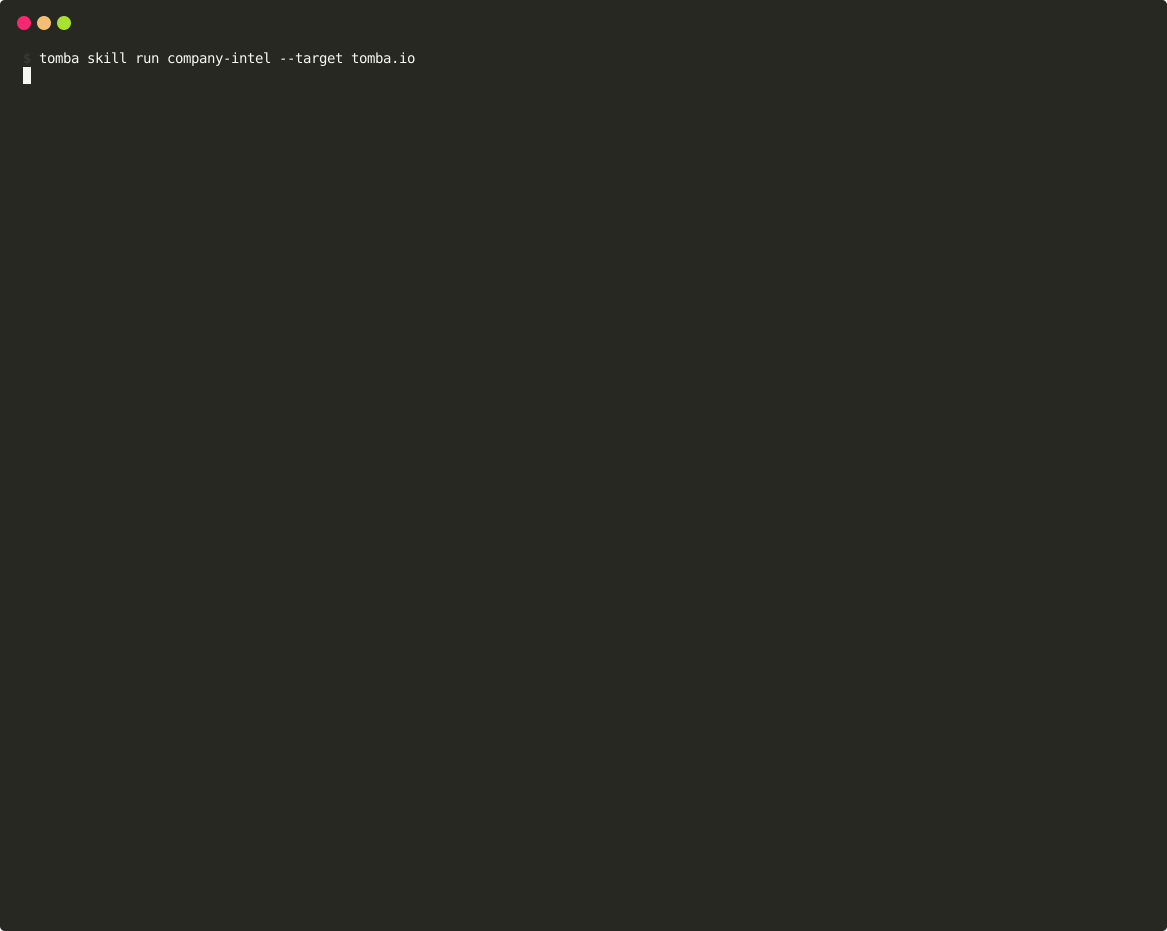
company-intelstatus, count, search, technology, similardomain
lead-gensearch, filtered by departmentdomain, department (default executive)
linkedin-intellinkedin, enrich, verifyurl
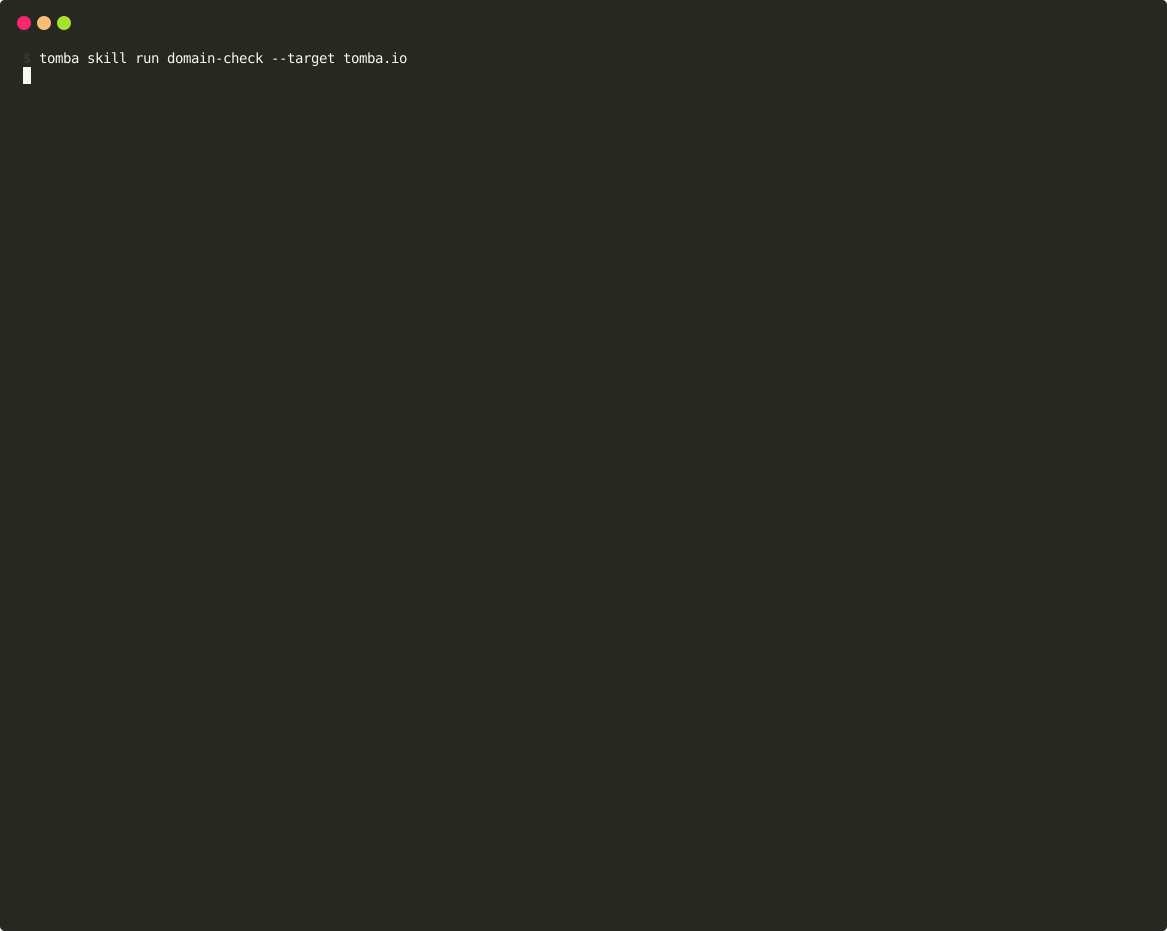
domain-checkstatus, countdomain
author-verifyauthor, verifyurl

Each step is a Tomba API request, billed as described in Credit costs. The steps use the same endpoints as the commands of the same name.

List and inspect skills

TerminalCode
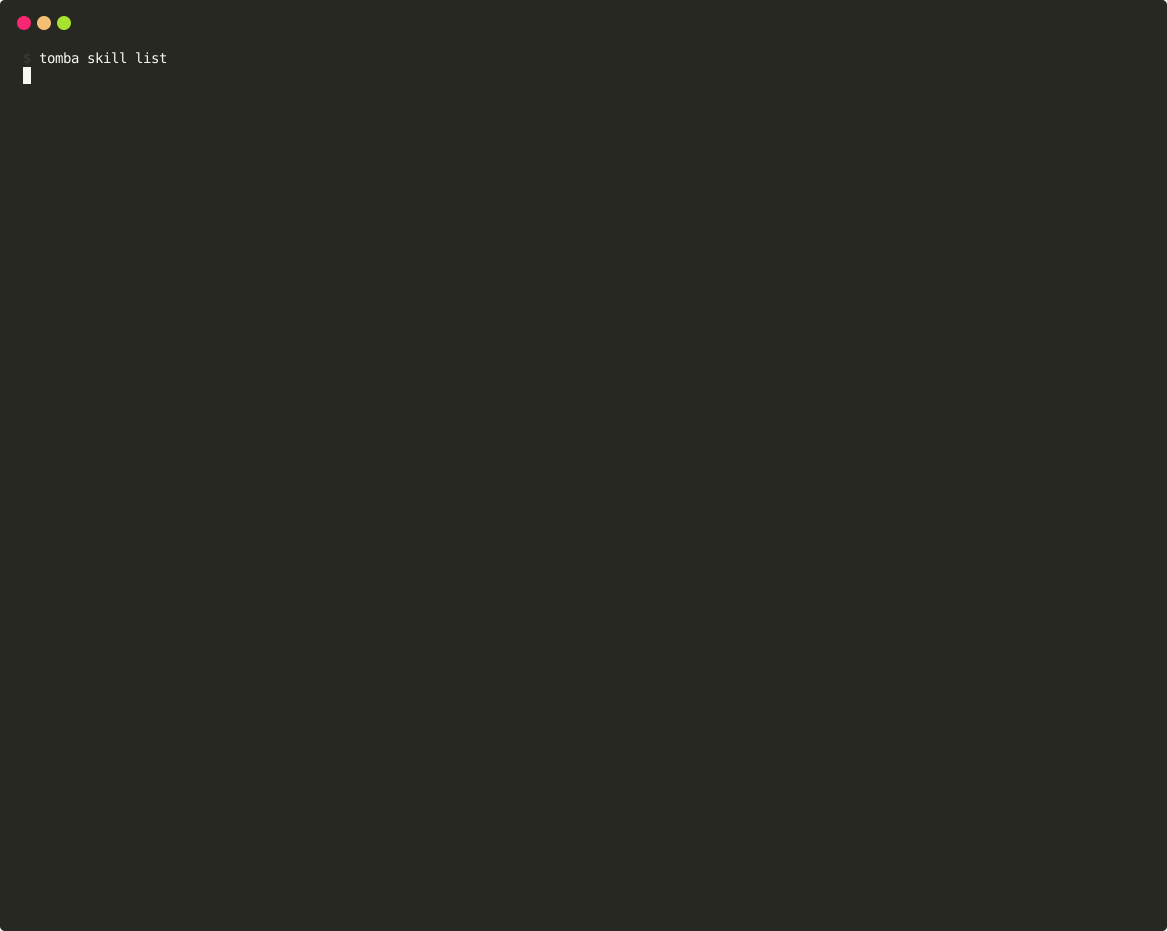
tomba skill list tomba skill info find-email

tomba skill list, or tomba skill alone, lists the built-in and custom skills. tomba skill info shows a skill's inputs, each step with its parameters, and an example command.

Run a skill

Code
tomba skill run <skill> --target <first input> [<input>=<value> ...]

--target sets the skill's first input; pass the others as name=value arguments. The CLI prompts for any required input you leave out.

TerminalCode
tomba skill run find-email --target stripe.com first_name=Jane last_name=Doe

Steps run in order. When a step fails, the CLI reports it and moves on to the next step; a step that needs an email address from an earlier step fails if that step found none. After the last step, the CLI prints each step's result.

Add your own skills

CommandWhat it does
tomba skill createAsks for a name, description, inputs, steps, and output settings, then saves the skill.
tomba skill import <file.yaml>Checks that the file has a name and at least one step, then saves it, replacing a custom skill of the same name.
tomba skill export <skill>Prints a skill, built-in or custom, as YAML.
tomba skill remove <skill>Deletes a custom skill. Built-in skills can't be removed.

Custom skills are saved in ~/.tomba/skills/ as <name>.yaml, and the CLI also loads any .yaml or .yml file you copy there. A custom skill with the same name as a built-in skill is never run.

To start from a built-in skill, export it, edit the file, and import it under a new name:

TerminalCode
tomba skill export find-email > my-find-email.yaml tomba skill import my-find-email.yaml

Skill file format

This skill searches a domain and verifies the first address found:

Code
name: verify-top-contact description: Search a domain and verify the first address found inputs: - name: domain description: Company domain type: domain required: true steps: - id: search name: Search emails action: search params: domain: "{{input.domain}}" limit: "10" - id: verify name: Verify first address action: verify params: email: "{{steps.search.data.emails.0.email}}" output: title: Verified contact
FieldDescription
nameSkill name, used on the command line and as the file name. Required.
descriptionShown by list and info.
inputsEach input's name, description, type (string, email, domain, url, or linkedin), required, and default.
stepsEach step's id, name, action, and params. At least one step is required.
output.titleHeading printed above the results.

author, version, tags, and output.fields appear only in tomba skill info. output.format, save_as, condition, and variables are accepted but have no effect.

Actions

actionparams
searchdomain, limit, page, department
finderdomain, and first_name and last_name or full_name
enrichemail
verifyemail
countdomain
statusdomain
sourcesemail
similardomain
technologydomain
linkedinurl
authorurl
phone-finderemail or domain
phone-validatorphone, country_code

tomba skill create also offers reveal, but a step with that action fails with unknown action.

Templates

Parameter values can include templates:

  • {{input.<name>}} is replaced with an input's value.
  • {{steps.<id>.<field>}} is replaced with a field from an earlier step's response. Use dots for nested fields and 0 for the first item of a list, as in {{steps.search.data.emails.0.email}}.

If a template doesn't resolve, an enrich, verify, or sources step fails with no email available from previous step; other steps send the template text as written.

Last modified on September 30, 2026
AI chatSlack slash commands
On this page
  • Built-in skills
  • List and inspect skills
  • Run a skill
  • Add your own skills
  • Skill file format
    • Actions
    • Templates
YAML